Know what's down.
Then act on it.
DevKit checks your endpoints, servers, certificates and scheduled jobs from the cloud, tells you what failed and why, and puts an SSH terminal and network tools next to the answer. Native for iPhone and iPad.
For iPhone and iPad with iOS 17 or later.
- Up
- Slow
- Outage
- No data
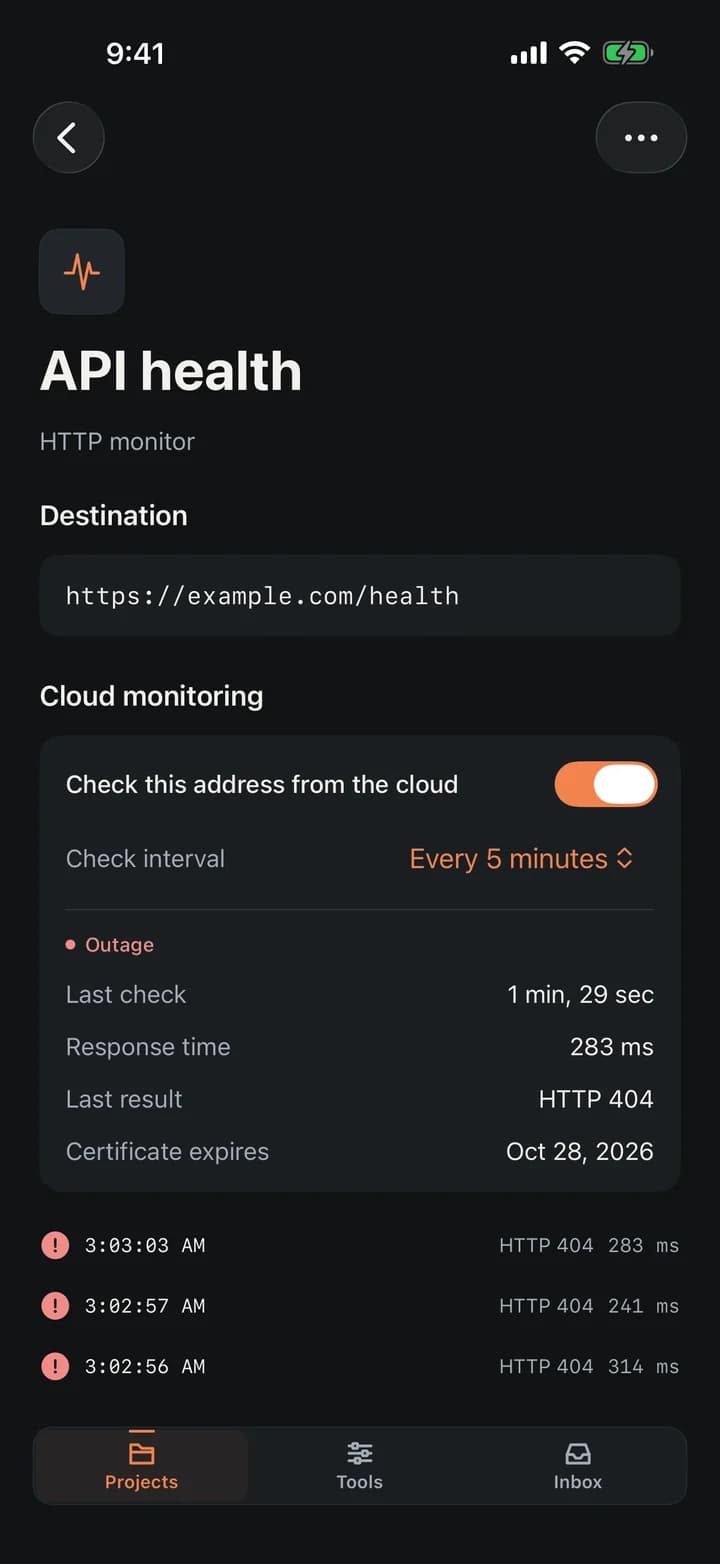
Watch it, get told, then do something about it
Monitoring and intervention side by side: the checks that tell you what broke, and the terminal and tools to fix it.
HTTP, TCP, DNS and more
Watch a URL, a port, a DNS record, a mail server, a UDP or WebSocket service — each with its own interval and thresholds.
Checks that read the answer
Expect a status code, a keyword, a header or a JSON value, and make redirects land where they should. A 200 with an error in the body still counts as down.
Heartbeats for cron jobs
Give a job a URL to call. If it doesn't call in time, fails or runs too long, you hear about it — with its exit code and log.
Certificate and domain expiry
Days left on a TLS certificate or a domain registration, with a warning as far ahead as you like.
Where the time goes
DNS, connect, TLS, first byte and download timed separately, so a slow TLS terminator doesn't look like a slow network.
Alerts where you work
Email, webhook, Slack, Discord and Telegram, plus the in-app inbox. Reminders while an outage lasts; silence during a maintenance window.
Public status pages
A page for your users with 90 days of history and email subscriptions. It shows only the names you choose — never addresses or errors.
Teams with scoped roles
Share a workspace. Roles are built from permissions and scoped to a project or a single environment, and every change is on record.
SSH terminal
Password or Ed25519 key, host-key verification, up to four sessions, saved commands. vim, htop and nano work as they should.
Server summary
One tap over SSH: uptime, load, memory, disks, failed services and Docker containers, on a server you already trust.
Network tools
Diagnose, ping, traceroute, ports, DNS with propagation, TLS chain, RDAP and an HTTP inspector — from your phone, or once from the cloud to answer "is it only me?".
iPhone and iPad
A sidebar and a full terminal on iPad, a one-handed dock on iPhone. Follows your device's language in 40 languages and regions.
Status in words, numbers you can trust
Every figure in DevKit comes from a real check. Here is what it looks like.
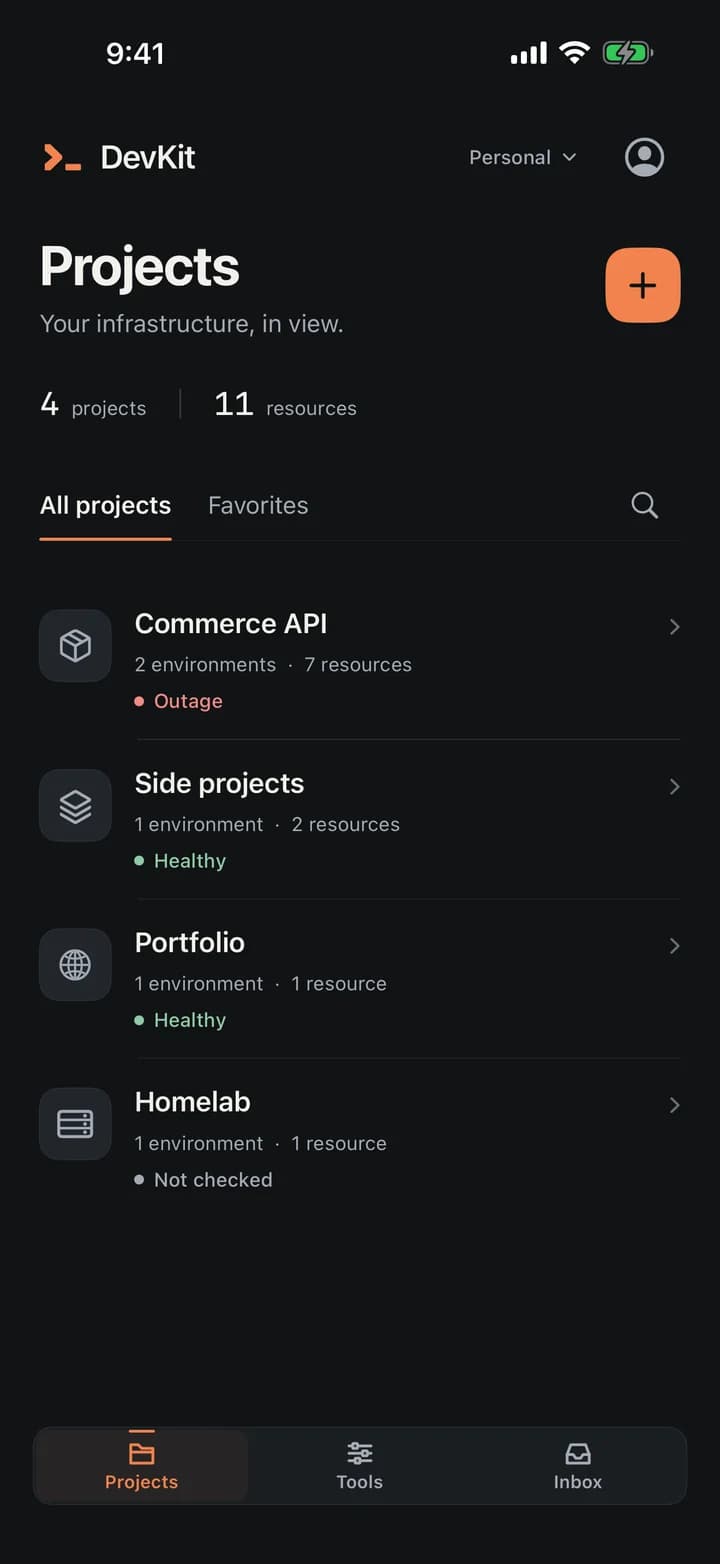
Projects
Environments and resources, status in words.
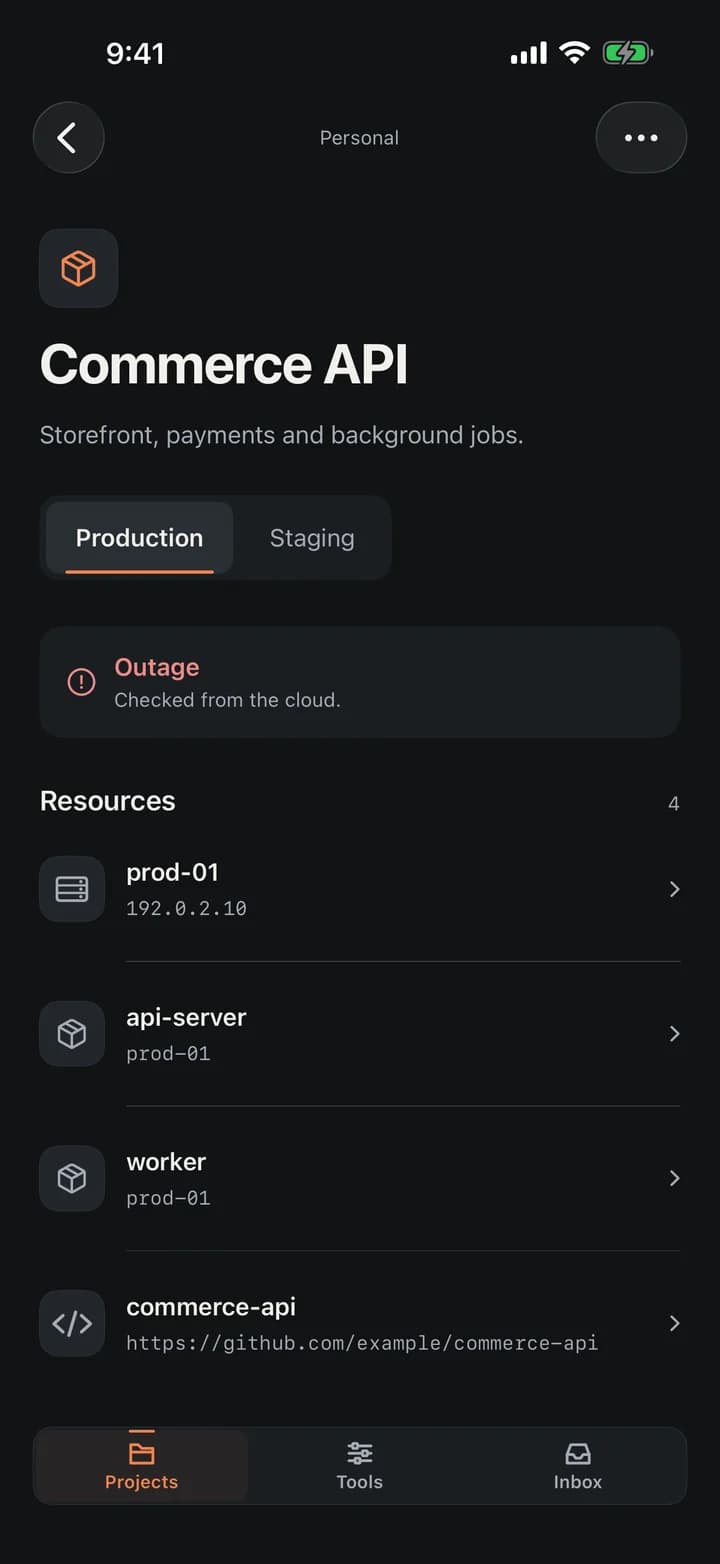
Project
One environment at a time, monitors beneath it.
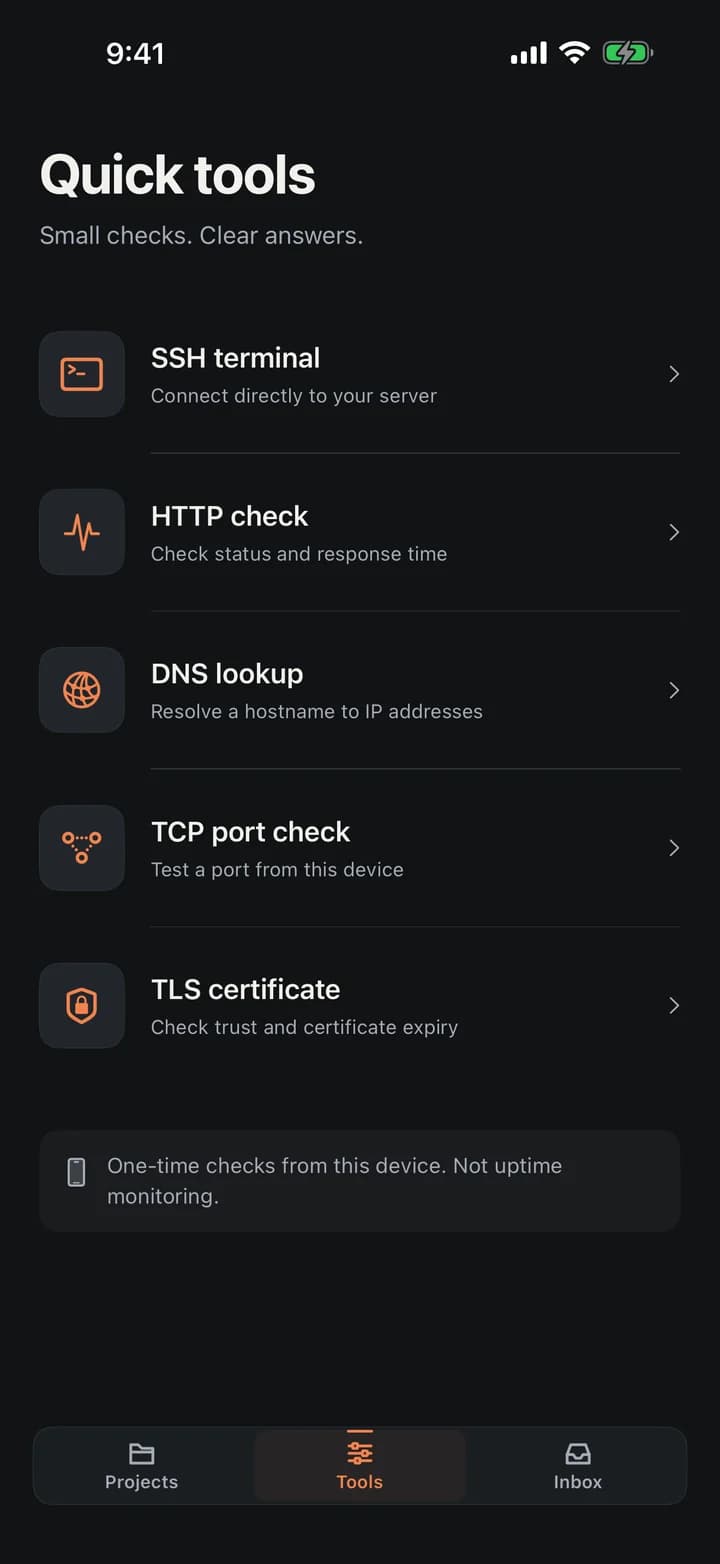
Tools
One field, the right tool suggested.
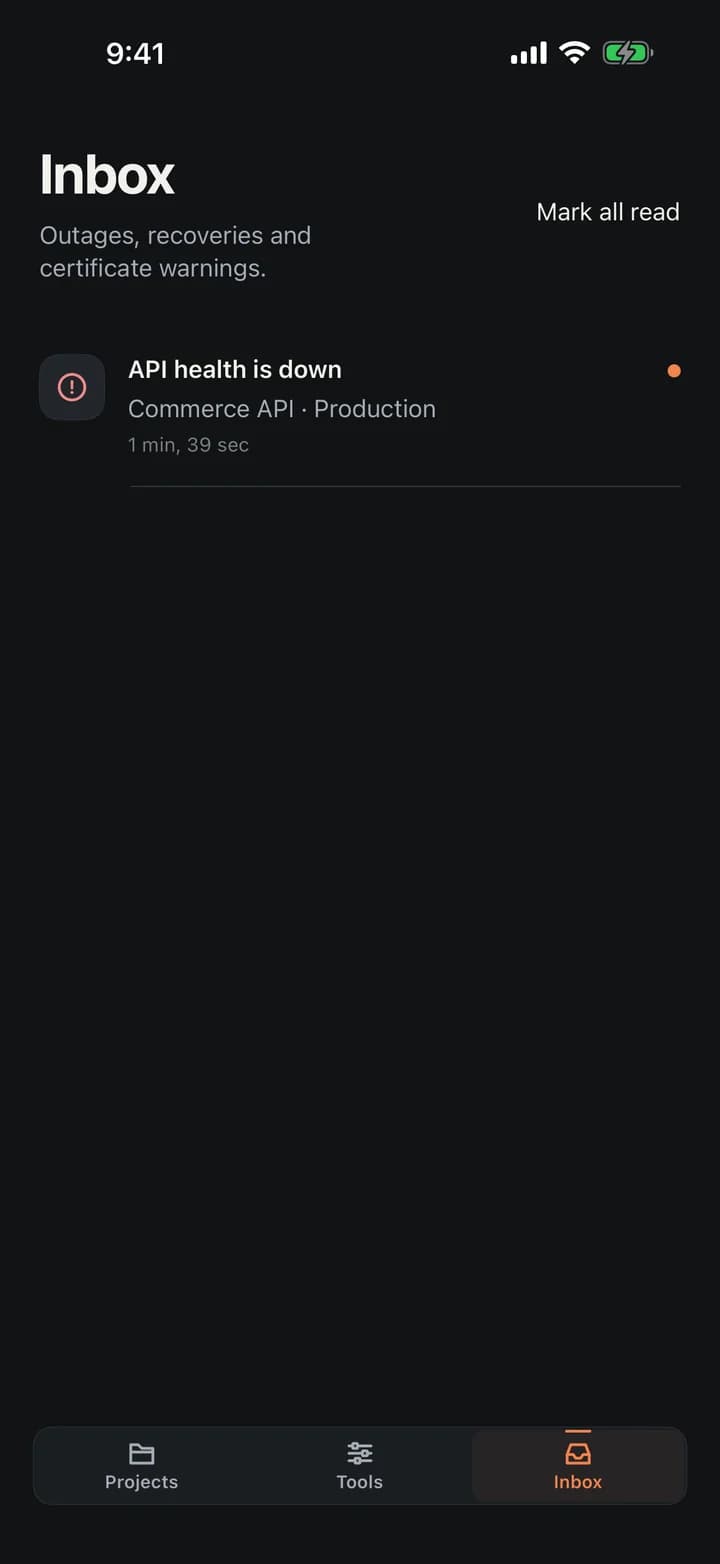
Inbox
Outages, recoveries and expiries, in order.
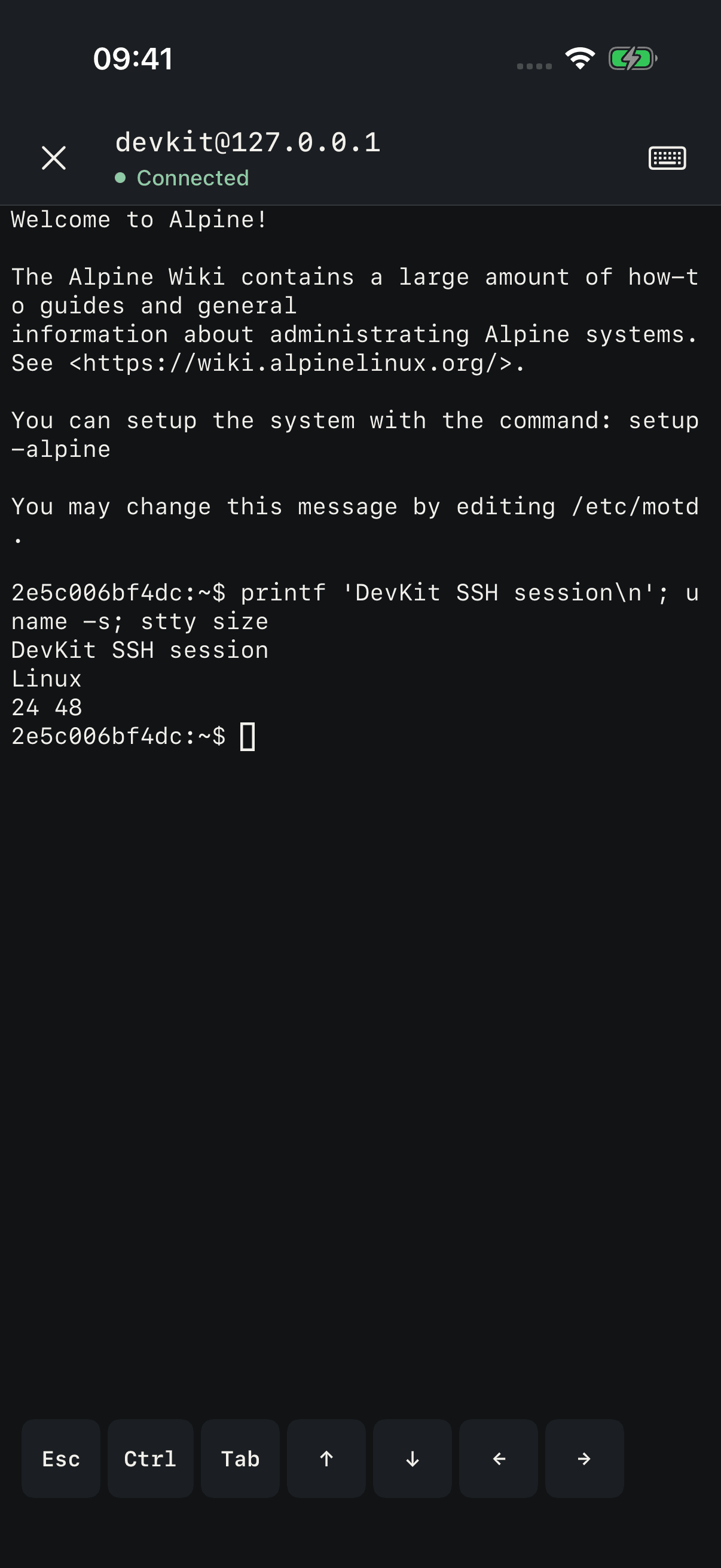
Terminal
A real shell, keys on this device.
Made for iPad too
A sidebar with the sections and their counts, list and detail side by side, keyboard shortcuts and a terminal that uses the whole screen.
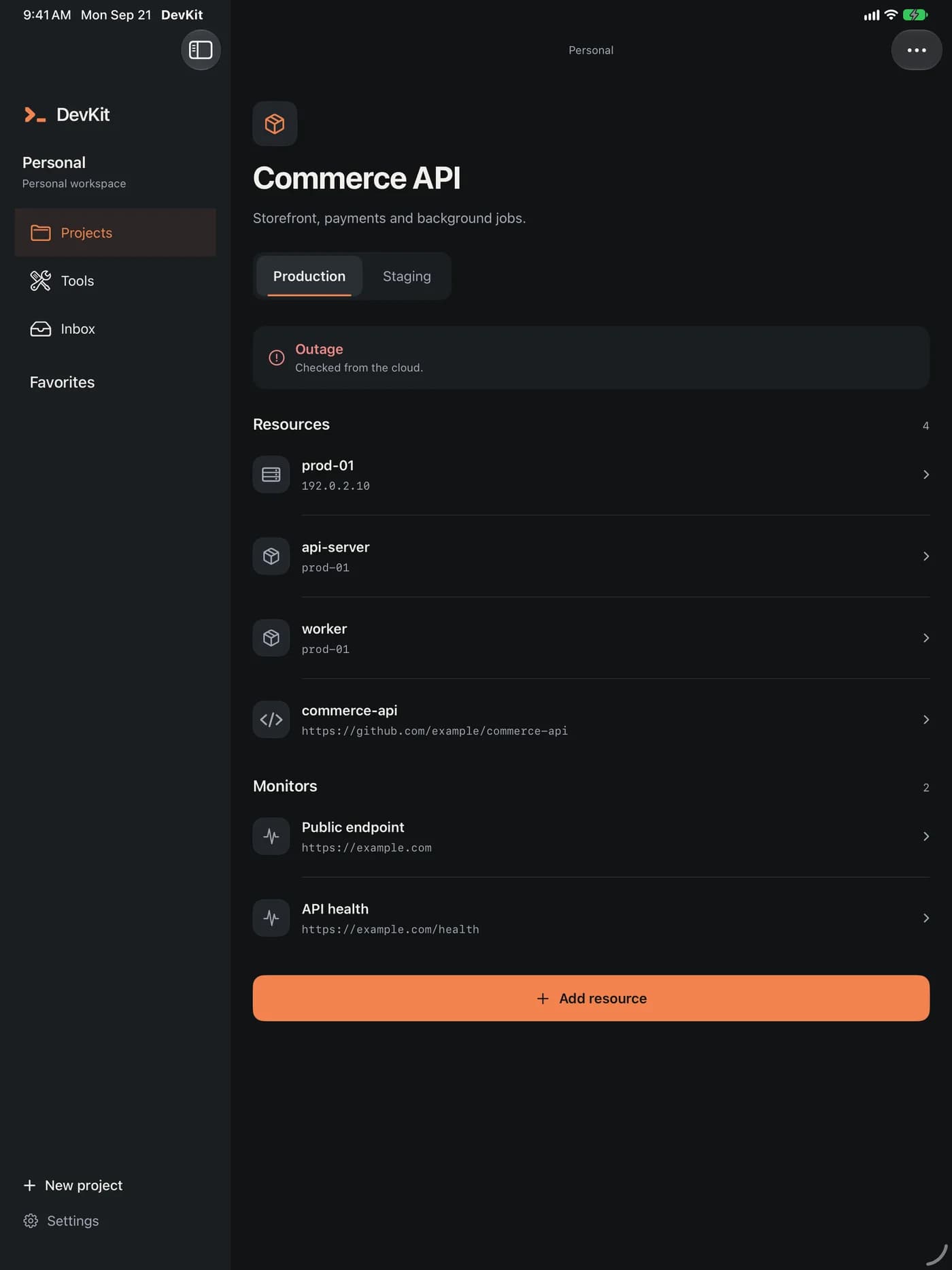
Screenshots of the app signed in to a test workspace.
Three steps, no agent to install
Nothing runs on your servers unless you open a terminal to them.
- 1
Add an address
Type example.com and DevKit creates the project and the environment behind it. Pick a kind, an interval and what counts as passing.
- 2
DevKit checks it from the cloud
On schedule, from DevKit's servers. A failure has to repeat before an outage opens, and a recovery has to hold before it closes.
- 3
You get the reason
Outage and recovery in the inbox and on your channels, with the status, the timing by stage and what the server answered.
One-off checks in Tools run from your phone and never change a monitor's status. When they disagree with the cloud, that is the answer to "is it only me?".
Start free. Grow into Pro or Team.
Every workspace starts on Free. Pro and Team arrive with the App Store release as subscriptions.
Free
For your own servers.
- Cloud monitors at a relaxed interval
- Email alerts and the in-app inbox
- SSH terminal, server summary and every network tool
- One-off checks from the cloud
- A personal workspace
Pro
SubscriptionFor everything you run.
- More monitors, checked more often
- Longer history
- Webhook, Slack, Discord and Telegram alerts
- A public status page
- Everything in Free
Team
Per memberFor the people who share the pager.
- A shared workspace with seats
- Roles scoped to projects and environments
- The fastest check interval
- Several status pages
- Access audit and ownership transfer
Limits, prices and any free trial are shown in the App Store and in the app before you subscribe. A workspace that stops paying keeps its data and moves back to Free.
Questions, answered
More help is on the support page.
Does my phone do the checking?
No. Monitors run on DevKit's servers on the interval you choose, whether the app is open or not. Checks in Tools are one-off, run from your phone and never change a monitor's status.
When does DevKit say something is down?
After the number of consecutive failed checks you set — three by default — and it says up again after the recoveries you set. A check that couldn't run counts as neither, and so does one inside a maintenance window.
Can I monitor something on my private network?
Not from the cloud: private and local addresses are refused, never contacted. Tools on your phone can reach them, and a server on your network can be watched over SSH with Server summary.
Where are my SSH keys stored?
In this device's Keychain, marked device-only, and only if you choose to save them after a successful connection. They never go to DevKit's servers, and terminal content is never recorded.
Do I need an account?
Not for SSH and the network tools. Cloud monitors, alerts, status pages and teams need a sign-in with an email code. Projects you create before signing in move into your account when you do.
Can I delete my account?
Yes, from the app. Your workspaces stop right away; signing in again within 30 days restores everything, and after that it is deleted. You can export your data first.
Which languages does it speak?
DevKit follows your device's language in 40 languages and regions. Commands, hostnames and terminal output are never translated.
What does it cost?
Free today for every workspace. Pro and Team will be App Store subscriptions; their price and any trial are shown before you subscribe.

Watch it from the cloud. Act from your phone.
DevKit is coming to the App Store for iPhone and iPad.
iPhone and iPad · iOS 17 or later · 40 languages